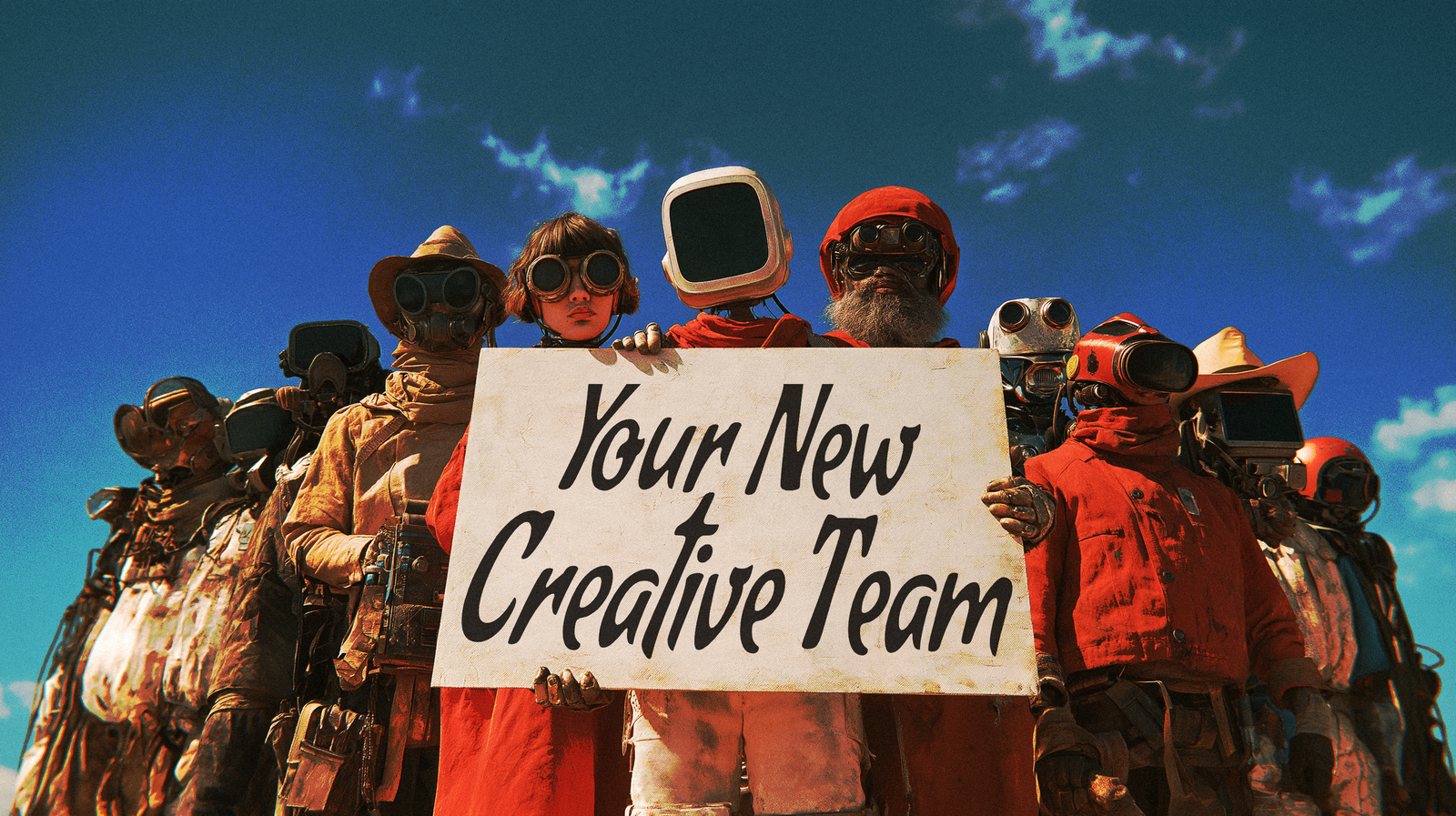
Ten Creative Roles You Can Hire Today
Download the free “Hire the Role” kit, and how to use it responsibly in your first ten minutes.
articleNovember 25, 2026Scott Fegette
A few weeks ago, I wrote to stop asking which AI tool to use and start asking which role you need to fill. The most common reply was a fair one: “great, but how do I write the role?”
So I wrote ten agent templates for creative practitioners, and I’m giving them away.
What’s in the kit?
Hire the Role is a free agentic starter kit based on the principles covered in the book Creative AI. It includes ten role files:
Editor
Art Director
Producer
Researcher
Client Liaison
Motion Editor
3D/Technical Artist
Sound Designer
Social & Community Manager
Contracts & Ops Assistant
It also includes a one-page worksheet that helps you decide whether a task needs a role or just a tool, and a START HERE page to help you move from the download to your first proper agentic task in about ten minutes.
These roles should work with whatever AI assistant you already use. No code, no terminal, no new subscription.
Every role has the same eight sections
Each file uses the same headings, so you can read through one in a minute and fill in your own details in ten. You’ll need to customize these to your needs, of course. You can even have your AI assistant help you customize them directly! The eight sections that define each role are:
• One-line pitch: what you’re hiring it to do.
• Best for: the jobs it fits.
• What it won’t do: the lines it stays behind, in clear sentences.
• When to bring it in: the moment in the project it earns its place.
• What it needs from you: the inputs, and what happens without them.
• How it operates: how it works and when it stops to ask you.
• Kickoff prompt: the text you paste in to start it.
• Example: an example of a quick run so you can see what good looks like.
Start with the worksheet, not the roles
Don’t download these ten roles and install all of them right away. Open the worksheet first and audit the five tasks you repeat every week. For each one, ask whether it needs judgment or just a tool. A task with no judgment in it is a tool, and a tool doesn’t need a job description. A task you’d hand to a person with context is a role.
Pick the role with the cheapest mistakes
Choose the first role where a wrong answer is annoying instead of costly. Researcher and editor are outstanding candidates. Contracts & Ops is not a first hire, but one you’ll need to put much more consideration into before handing over control.
Run these roles on practice material for a week. Each time it fails, tighten one line in the file. The role you end up with will largely be a list of mistakes you’ve already made, rewritten as boundaries for your agent to avoid.
Make it yours
The kit is released under the Creative Commons BY 4.0 license. Copy it, rename it, cut half of it, hand it to your team. If you build a role I didn’t, that’s the best outcome.
How I handle this in my workflow
For me, the editor, producer, researcher, 3D artist, community manager and contracts & ops assistants are the ones I use the most.
Although I hand-model most all of my Blender work, I use the 3D artist assistant to act as a scene gaffer/rigger and set up lights, ground planes, basic environments, and subject markers. Basically, it handles all the work I’d want done as a photographer if I needed to focus on dressing & positioning my subject, and taking the shots. This lets me focus on modeling and texturing, and having a starting point with a minimal 3-point lighting rig to explore and expand upon. It also knows how to reach out to my producer agent to help with any texture assets I need from Affinity or, sometimes, Figma.
When working on creative assets in Affinity (if I was using the Adobe Creative Suite tools, I’d work with them this way too), I use the producer agent to sync design system colors/fonts/palettes with Figma, and sometimes transfer vector shapes or bitmap layers between the two apps. Mostly, however, I’ll have it create new artboards with size variants of the graphics (small/medium/large, wide/tall/square, etc.) based on my primary artwork. The producer usually has access to my work calendar and lists in Slack, so can update them with deadlines and deliverables as I work on them .
Figma is straightforward, I use the remote MCP connection to regularly sync my main design files with their GitHub-based codebases, making sure that the design source of truth is maintained in the code and that any drift in the codebase is aligned in the design assets. As Affinity (mentioned earlier) handles much of my aesthetic design work, MCP connections help share data between apps easily.
The community manager role is responsible for nudging me to write and post regularly, when to brainstorm new posts and write weekly drafts, and when I need to post them to maintain my schedule. It’s in contact with my main calendar and web stack agents, so if I change social media assets or publishing plans, they’re synced with my main website right away.
You get the picture. Although these agents aren’t replacing a whole employee or worker, they handle the routine, assistant-focused tasks of my creative process in a way that lets me focus on what I do best - creative work.
Get the kit
The kit is free at brilliantmindworks.com/promo/agentic-starter-kit/. Request it there, and I’ll send you a personal download link that works for 24 hours.
Which role will you hire first? Not a task, a role. Tell me in the #general channel on my Discord, and if you write one the kit doesn’t have, I’d love to see it.
And drop your email at the Creative AI page for a ping when the book goes live. Tom Green and I would love to hear what you think of it.